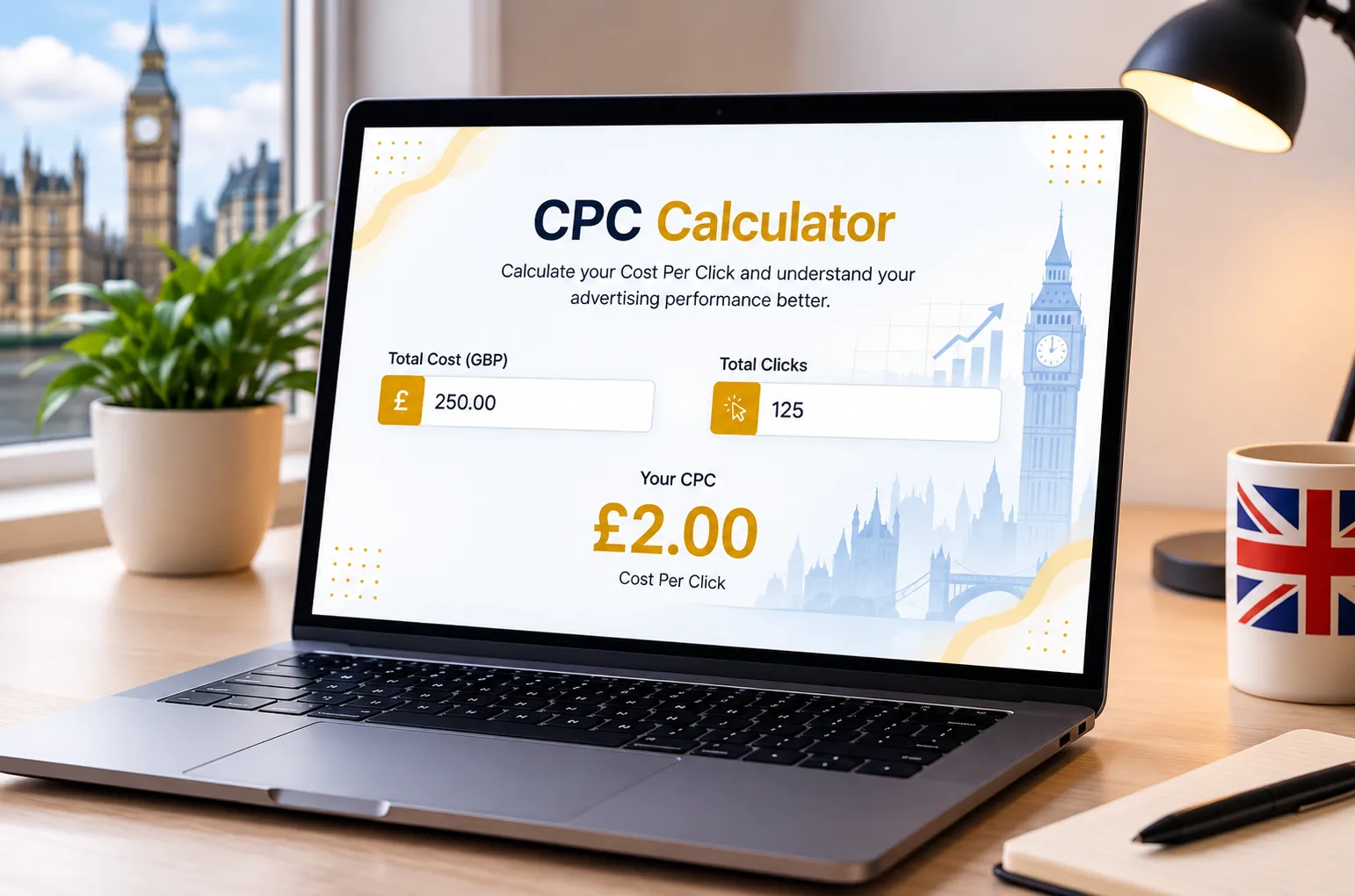
Cost Per Click (CPC) Calculator

Easily track your advertising campaign's financial health. Enter your total ad spend and total clicks below to instantly calculate your exact Cost Per Click and ensure your budget is being spent efficiently.

Country / Currency
United States (USD)
United States (USD)
United Arab Emirates / Dubai (AED)
Saudi Arabia (SAR)
United Kingdom (GBP)
Eurozone (EUR)
Canada (CAD)
Australia (AUD)
Japan (JPY)
India (INR)
Pakistan (PKR)
South Africa (ZAR)
New Zealand (NZD)
Switzerland (CHF)
China (CNY)
Sweden (SEK)
Mexico (MXN)
Singapore (SGD)
Hong Kong (HKD)
Norway (NOK)
South Korea (KRW)
Turkey (TRY)
Brazil (BRL)
Taiwan (TWD)
Denmark (DKK)
Poland (PLN)
Thailand (THB)
Indonesia (IDR)
Hungary (HUF)
Czech Republic (CZK)
Israel (ILS)
Chile (CLP)
Philippines (PHP)
Colombia (COP)
Malaysia (MYR)
Romania (RON)
Peru (PEN)
Bulgaria (BGN)
Argentina (ARS)
Egypt (EGP)
Vietnam (VND)
Iraq (IQD)
Nigeria (NGN)
Ukraine (UAH)
Morocco (MAD)
Qatar (QAR)
Kuwait (KWD)
Oman (OMR)
Bahrain (BHD)
Jordan (JOD)
Lebanon (LBP)
Advertising Channel
Google Ads
Google Ads
Facebook Ads
Instagram Ads
LinkedIn Ads
TikTok Ads
Pinterest Ads
Industry
Animals & Pets
Animals & Pets
Apparel/Fashion & Jewelry
Arts & Entertainment
Attorneys & Legal Services
Automotive (For Sale)
Automotive (Repair, Service & Parts)
Beauty & Personal Care
Business Services
Career & Employment
Dentists & Dental Services
Education & Instruction
Finance & Insurance
Furniture
Health & Fitness
Home & Home Improvement
Industrial & Commercial
Personal Services
Physicians & Surgeons
Real Estate
Restaurants & Food
Shopping, Collectibles & Gifts
Sports & Recreation
Travel
Total Ad Spend
Number of Clicks
Your CPC

$0.00

Industry Benchmark: $0.00
Awaiting Data...
  • Input values to calculate your CPC.
  • Compare it against the industry standard.

How CPC is Calculated

Cost Per Click (CPC) is a fundamental advertising metric for measuring traffic efficiency. It determines exactly how much you are actively paying the advertising platform every time a user clicks on your ad.

The Formula

CPC = Total Ad Spend ÷ Total Clicks

Example Calculation

  • Advertising Spend: $1,000
  • Total Clicks: 500
Average CPC = 1,000 ÷ 500 = $2.00
This means you pay an average of $2.00 every time your advertisement is clicked by a user.

General CPC Benchmarks

While CPC varies heavily by industry and platform, lower costs generally indicate highly relevant ad copy and targeted audiences.

Cost Per Click (USD) Performance
Below $1.00 Outstanding / Broad Reach
$1.00 – $3.00 Excellent (Standard Search)
$3.00 – $5.00 Good (Competitive Niches)
Above $5.00 High (Legal, B2B, Finance)
Cost Per Click (CPC) Calculator Formula

How to Use the CPC Calculator

1

Enter Ad Spend

Input your total advertising budget or the total amount you have spent on a specific ad campaign so far.

2

Input Total Clicks

Enter the exact number of clicks that your ad campaign has generated. This helps determine your click efficiency.

3

View Real Time CPC

Instantly see exactly how much you are paying for each visitor. Your Cost Per Click calculates automatically as you type!

Why Our Tool is Better Then Others

See how the KashifDigitals CPC Calculator compares to manual Excel sheets.

Feature KashifDigitals
Tool
Spreadsheets
Speed & Access
Instant
Browser
Access
Requires
App
Load
Traffic Forecast
Logic
Built-in
automation
Manual
formulas
Visual UI & Color
Coding
Sleek
Dashboard
Boring
grids
Mobile Optimization
Flawless
Clunky
scrolling
Shareability 1-Click
Link
File
sending

Mastering Your Cost Per Click (CPC) Strategy

In today's hyper-competitive digital landscape, understanding and optimizing your Cost Per Click (CPC) is no longer just an option—it's a crucial necessity for survival and growth. Every dollar spent on digital advertising must be accounted for, and our advanced CPC Calculator is designed to give you instant clarity on your campaign's financial health. Whether you are running Google Ads, Facebook Ads, LinkedIn campaigns, or native advertising, knowing exactly what you are paying for each visitor click empowers you to make data-driven decisions.

So, how do you know if your CPC is too high? The reality is that an expensive click drains your budget rapidly and limits the amount of traffic you can acquire. I always advise my clients to focus heavily on the quality and relevance of their ads to keep their CPC manageable. If you are paying $5 per click but the industry average is $1, you need to reevaluate your strategy. Our calculator is designed to help you monitor this exact metric so you aren't just guessing with your ad spend.

To genuinely optimize your campaigns, you have to look beyond just the bidding strategy. Improving your ad copy relevance, refining the user experience on your landing pages, and targeting specific long-tail keywords are proven, hands-on ways to lower your CPC naturally. By keeping a close eye on your Cost Per Click daily, you can confidently pause losing ads and scale the ones that actually maximize your budget.

Frequently Asked Questions (CPC)

1. What is considered a good CPC (Cost Per Click)?
A "good" CPC heavily depends on your industry, competition, and platform. For e-commerce, a good CPC might be $0.50, while for legal services, $10 to $20 can still be highly effective. The key is ensuring your CPC fits within your overall advertising budget and maintains profitability.
2. How can I lower my CPC without losing traffic?
To lower your CPC while maintaining traffic volume, focus on improving your Google Ads Quality Score. You can achieve this by increasing your ad relevance, improving your landing page experience, and boosting your expected Click-Through Rate (CTR). Using long-tail keywords also typically results in lower CPCs.
3. What factors directly affect my Cost Per Click?
Your CPC is influenced by several factors including your maximum bid, your Quality Score (on Google Ads), the relevance of your ad copy, your historical click-through rate (CTR), and the level of competition for the specific keyword or audience you are targeting.
4. How does Google Quality Score affect my CPC?
Google rewards highly relevant ads with higher Quality Scores (1 to 10). A higher Quality Score directly lowers your CPC. Google charges advertisers with poor quality ads a premium, while offering discounts to advertisers who provide excellent, relevant experiences to users.
5. Is CPC the same as CPM?
No. CPC stands for Cost Per Click, meaning you only pay when a user physically clicks your ad. CPM stands for Cost Per Mille (Cost Per Thousand Impressions), meaning you pay a set fee for every 1,000 times your ad is shown, regardless of whether anyone clicks on it.
6. Does a higher CPC guarantee better conversions?
Not necessarily. While higher CPCs usually target more competitive, high-intent keywords, you still need a highly optimized landing page to secure the conversion. Paying more for a click does not guarantee that the user will ultimately buy your product or service.
7. What industries have the highest average CPC?
Industries with high customer lifetime values typically have the highest CPCs. The top tier usually includes Legal Services (Lawyers), Insurance, Financial Services, Software (SaaS), and B2B services, where single clicks can sometimes cost upwards of $50 to $100 depending on the specific keyword.
8. How do I calculate my Cost Per Click (CPC) manually?
You calculate CPC by dividing your total advertising spend by the total number of clicks generated by that spend. For example, if you spend $100 and receive 50 clicks in return, your manual CPC calculation would be $2.00 per click.
9. What is the difference between Max CPC and Actual CPC?
Max CPC is the absolute highest amount you are willing to pay for a click, which you set in your bidding strategy. Actual CPC is the amount you actually end up paying, which is often lower. Ad platforms usually only charge you just enough to outbid the competitor immediately below you.
10. Should I use manual CPC or automated bidding?
Manual CPC gives you strict control over your exact bids and is excellent for new campaigns that lack historical data. Automated bidding (like Maximize Clicks) uses machine learning to optimize bids dynamically and is highly recommended once your account has enough conversion data for the algorithm to learn from.

Client Success Stories & Reviews

★★★★★

"KashifDigitals completely transformed our ad strategy. We were bleeding money on high CPCs. Within a month, they helped us lower our average Cost Per Click by 40% and our traffic doubled. Highly recommended!"

JD
John Davis CEO, TechGrowth
★★★★★

"The focus on monitoring our exact click costs rather than just throwing money at ads changed our whole approach. We are now seeing a much higher volume of targeted traffic for the same budget."

RK
Robert Klein Director of Sales, B2B Solutions
★★★★★

"Simple, effective, and eye-opening. KashifDigitals clearly understands the mechanics of profitable advertising. Our return on ad spend has increased by 150% since we started applying these principles."

LP
Laura Palmer Ecommerce Manager
★★★★★

"I am not a math person, so figuring out my exact ad costs used to give me a headache. This calculator is an absolute lifesaver. Fast, simple, and exactly what I needed to stop overspending on Google Ads!"

SJ
Sarah Jenkins Small Business Owner
★★★★★

"I've been using this tool for a couple of weeks now for my monthly client reports. It's incredibly straightforward. No fluff, just the exact CPC numbers I need to show my clients where their budget is going."

MT
Mark Torres Freelance Marketer
★★★★★

"Such a handy little widget! I keep this bookmarked and use it almost daily when tweaking my Facebook ad campaigns. It genuinely helps me stay on top of my daily ad spend without needing a messy spreadsheet."

ER
Emily Roberts E-commerce Founder
★★★★★

"Honestly, this is the quickest way to check my campaign health. I don't have to log into the slow ad platform dashboards just to do a quick math check. Love the clean design."

DC
David Chen Ads Specialist
★★★★★

"We run a local plumbing service and I manage my own ads. This calculator is stupid-simple to use and helps me make sure I'm not paying too much for clicks from my local competitors."

MR
Mike Reynolds Local Business Owner
★★★★★

"A perfectly executed tool. Clean interface, instantly updates, and zero annoying popups. Exactly what I look for in free digital marketing resources. Highly recommend bookmarking this page."

JW
Jessica Watson Content Strategist

Need a Specific Tool? Or Found a Bug?

Our dev team is actively updating this page with useful new calculators. If you have an idea for a business tool or want to report a calculation error, please let us know.

Submit Request / Report Bug