
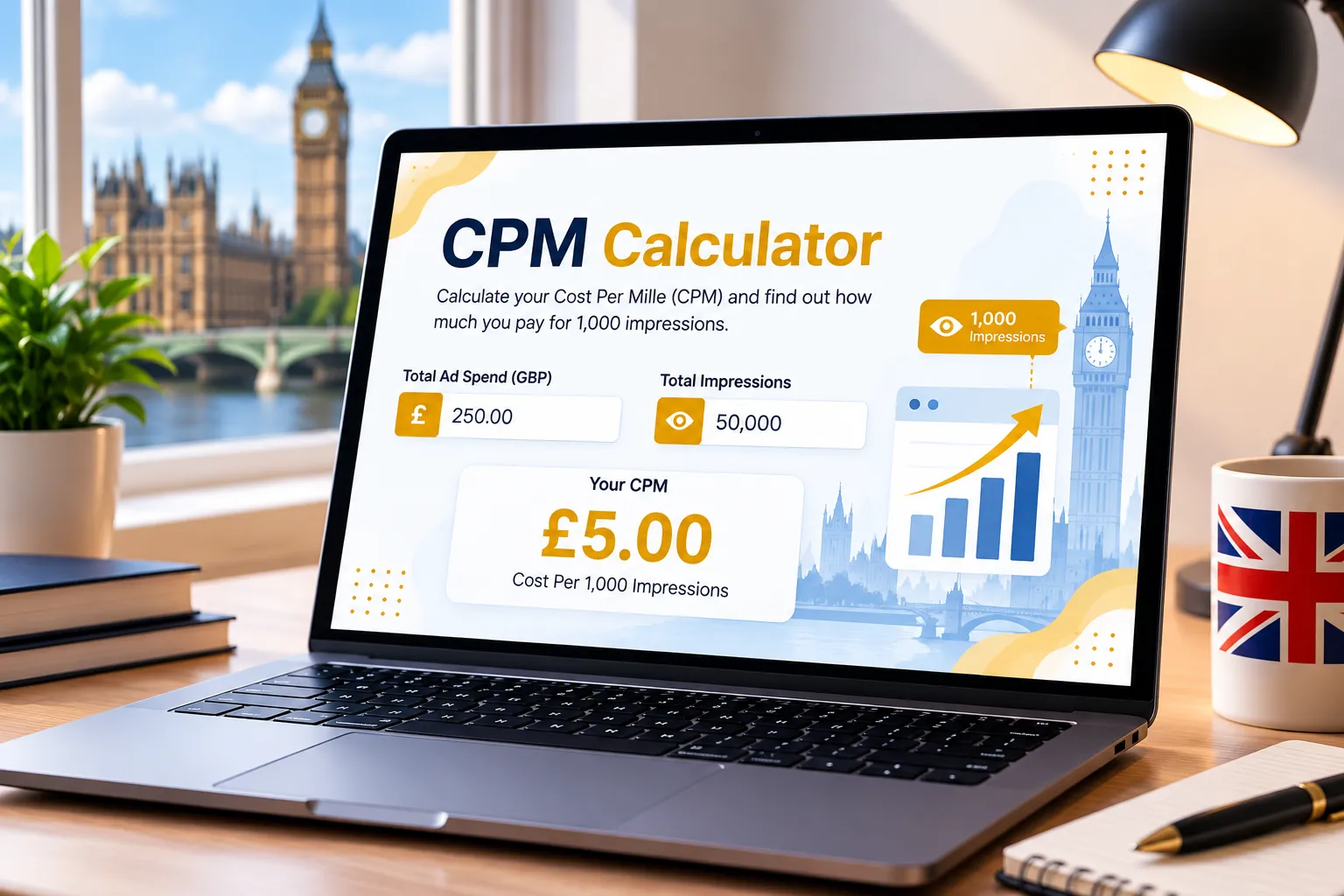
Cost Per Mille (CPM) Calculator
Calculate your cost per thousand impressions instantly with our free CPM calculator. Enter your ad spend and impressions to evaluate display, video, and paid social campaign efficiency across global currencies.
£0.00
- Input values to calculate your CPM.
- Compare it against the illustrative reference CPM.
Add KashifDigitals as a Preferred Source
Add KashifDigitals to your Google Search preferences to highlight our PPC tools, marketing guides, and search insights when you search.
Was This CPM Calculator Useful?
Your quick feedback helps us understand whether the calculator is clear and useful.
How CPM is Calculated
Cost Per Mille (CPM) represents the cost an advertiser pays for every 1,000 impressions of an advertisement. It is calculated by dividing total advertising spend by total impressions, then multiplying by 1,000. It is a standard pricing model across display, video, and social media advertising.
The Formula
Example Calculation
- Advertising spend: £1,000
- Total Impressions: 200,000
Illustrative CPM Reference Ranges
CPM varies according to target audience, ad format, bidding strategy, ad viewability, and advertising channel. Use these ranges as an illustrative reference baseline for planning campaigns.
| Illustrative Reference CPM (GBP) | Performance Range |
|---|---|
| Below £3.00 | Broad audience / High volume |
| £3.00 – £8.00 | Standard programmatic / Social display |
| £8.00 – £15.00 | Targeted video / In-feed placements |
| Above £15.00 | Niche B2B / High-intent audiences |
How to Use the CPM Calculator
Enter Ad Spend
Input your total advertising budget or actual ad spend allocated to your brand awareness or display campaign.
Input Total Impressions
Enter the number of ad views or impressions delivered by your ad platform, DSP, or social network.
View Real Time CPM
Instantly evaluate how much you pay per thousand views. Your Cost Per Mille updates in real time as you adjust numbers!
Want a Higher Converting Paid Search Strategy?
Review your targeting, bidding rules, and landing page quality score with our Google Ads team.
Why Use This CPM Calculator?
This calculator is designed for quick browser-based CPM checks, with instant impression-cost calculations, selectable currencies, campaign context and a copyable report.
Understanding CPM for Advertising Campaigns
Cost Per Mille (CPM) represents the cost incurred by an advertiser for every 1,000 ad impressions served. If your media plan allocates £1,000 to deliver 200,000 ad impressions, your average CPM is £5.00. While the formula is straightforward, evaluating CPM allows marketers to measure brand reach efficiency across display networks, video advertising, and paid social channels.
For UK and international advertisers, CPM bidding is standard across Google Display Network, YouTube, Meta (Facebook and Instagram), TikTok, and programmatic demand-side platforms (DSPs). A low CPM indicates efficient reach volume, but it should always be balanced against audience relevance, viewability rate, and post-impression engagement.
Use this calculator to determine your actual CPM, compare it with illustrative references, and forecast total media budgets required to hit your audience reach and frequency targets.
What can affect CPM?
- Audience targeting granularity and competitor demand in the ad auction
- Advertising platform, placement position, and creative format (video vs. banner)
- Seasonality, holiday shopping quarters, and macroeconomic auction volume
- Ad viewability standards (MRC 50% on-screen criteria) and ad fraud prevention
- Geographic location, demographic parameters, and first-party audience segments
- Frequency caps and reach pacing settings across DSP campaigns
CPM vs CPC and CPA
CPM prioritizes brand visibility and top-of-funnel reach, billing based on ad display regardless of user interaction. CPC measures direct interest by billing only when users click. CPA tracks bottom-of-funnel conversions. Top-tier marketing strategies integrate all three to guide users from initial awareness through to sale.
What You Can Use This CPM Calculator For
Media Planning
Forecast the budget required to deliver targeted impressions across YouTube, display, or paid social campaigns.
Campaign Audits
Evaluate programmatic DSP inventory and publisher direct deals to confirm pricing consistency and value.
Client Reporting
Generate instant copyable reports detailing channel, industry, spend, delivered impressions, and calculated CPM.
Our Digital Marketing Services
Explore our full suite of professional growth services to optimize ad spend, boost rankings, and scale ROI.
Ready to Improve Your Advertising Returns?
Discuss your active campaigns, target metrics, and growth obstacles directly with our specialists.
Frequently Asked CPM Questions
1. What is CPM in digital advertising?
2. How do I calculate CPM?
3. What is a good CPM for UK campaigns?
4. What is the difference between CPM and CPC?
5. What is Viewable CPM (vCPM)?
6. How can I reduce my CPM?
7. Why does LinkedIn Ads have a higher CPM than Facebook or TikTok?
8. Can I calculate total budget from a target CPM and impression goal?
9. Does a lower CPM mean better campaign performance?
10. Can I use this calculator for currencies other than GBP?
Need In-Depth Campaign Attribution & Tracking?
Align your clicks, conversion rate, and revenue pipeline with actionable multi-channel tracking.
Need a Specific Tool? Or Found a Bug?
Our dev team is actively updating this page with useful new calculators. If you have an idea for a business tool or want to report a calculation error, please let us know.
Submit Request / Report Bug