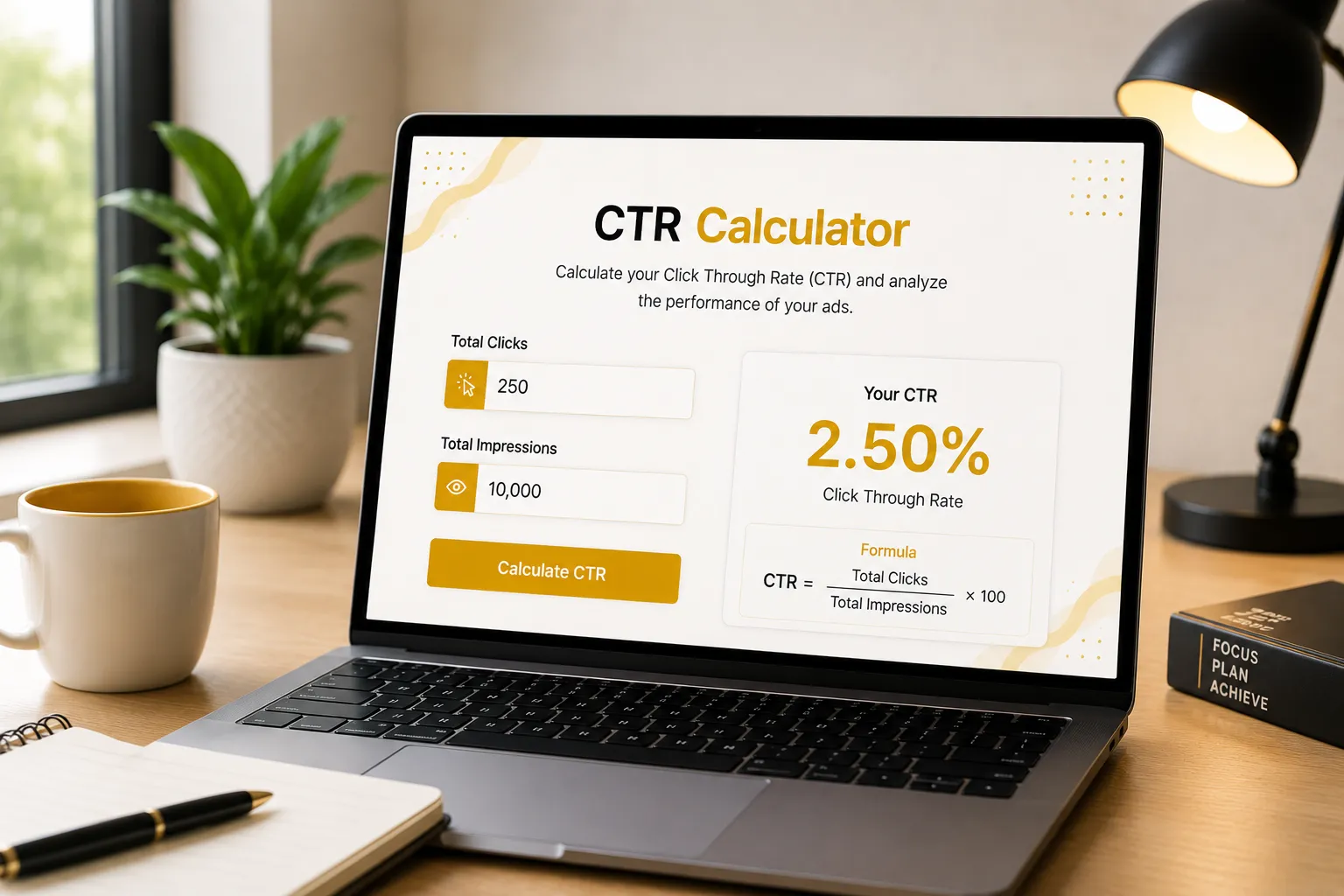
Click-Through Rate (CTR) Calculator

Easily track your advertising campaign's engagement and relevance. Enter your total impressions and total clicks below to instantly calculate your exact Click-Through Rate (CTR) and ensure your ads are capturing audience attention.

Country / Region
United States (Global)
United Arab Emirates / Dubai
Saudi Arabia
United Kingdom
Eurozone
Canada
Australia
Japan
India
Pakistan
South Africa
Advertising Channel
Google Ads
Google Ads
Facebook Ads
Instagram Ads
LinkedIn Ads
TikTok Ads
Pinterest Ads
Industry
Animals & Pets
Animals & Pets
Apparel/Fashion & Jewelry
Arts & Entertainment
Attorneys & Legal Services
Automotive (For Sale)
Automotive (Repair, Service & Parts)
Beauty & Personal Care
Business Services
Career & Employment
Dentists & Dental Services
Education & Instruction
Finance & Insurance
Furniture
Health & Fitness
Home & Home Improvement
Industrial & Commercial
Personal Services
Physicians & Surgeons
Real Estate
Restaurants & Food
Shopping, Collectibles & Gifts
Sports & Recreation
Travel
Total Impressions
Number of Clicks
Your CTR

0.00%

Industry Benchmark: 0.00%
Awaiting Data...
  • Input values to calculate your CTR.
  • Compare it against the industry standard.

How CTR is Calculated

Click-Through Rate (CTR) measures the percentage of people who click on your ad after seeing it. It determines how relevant, engaging, and compelling your ad copy or creative is to your target audience.

The Formula

CTR = (Total Clicks ÷ Total Impressions) × 100

Example Calculation

  • Total Impressions: 10,000
  • Total Clicks: 500
Average CTR = (500 ÷ 10,000) × 100 = 5.00%
This means that 5% of the users who saw your ad found it relevant enough to click on it.

General CTR Benchmarks

While CTR varies heavily by industry and ad network, a higher rate generally indicates highly relevant ad copy, strong intent, and well-targeted audiences.

Click-Through Rate (%) Performance
Below 1.50% Low (Needs Optimization)
1.50% – 3.00% Average (Standard Display)
3.00% – 5.00% Good (Competitive Search)
Above 5.00% Outstanding (High Intent)
Click-Through Rate (CTR) Calculator Formula

How to Use the CTR Calculator

1

Enter Impressions

Input the total number of times your advertisement was displayed or shown to users on the platform.

2

Input Total Clicks

Enter the exact number of clicks that your ad generated from those impressions to determine engagement.

3

View Real Time CTR

Instantly see the exact percentage of viewers who clicked your ad. Your Click-Through Rate calculates automatically!

Why Our Tool is Better Then Others

See how the KashifDigitals CTR Calculator compares to manual Excel sheets.

Feature KashifDigitals
Tool
Spreadsheets
Speed & Access
Instant
Browser
Access
Requires
App
Load
Traffic Forecast
Logic
Built-in
automation
Manual
formulas
Visual UI & Color
Coding
Sleek
Dashboard
Boring
grids
Mobile Optimization
Flawless
Clunky
scrolling
Shareability 1-Click
Link
File
sending

Mastering Your Click-Through Rate (CTR) Strategy

In the competitive digital advertising space, your Click-Through Rate (CTR) is the most immediate indicator of ad relevance and audience engagement. It tells you exactly what percentage of users found your ad compelling enough to stop scrolling and click. A strong CTR signals to platforms like Google and Facebook that your content is high-quality, which directly improves your Quality Score and heavily reduces your overall advertising costs.

So, how do you know if your CTR is too low? If your ads are receiving thousands of impressions but barely any clicks, you are suffering from "ad fatigue" or poor targeting. A low CTR mathematically ensures that you are paying premium rates for minimal traffic. By routinely using our CTR Calculator to monitor this metric, you can quickly identify which headlines, images, or offers need to be rotated out or aggressively improved.

To drastically boost your CTR, narrow down your audience targeting and ensure your ad copy perfectly matches user intent. Utilize ad extensions, create urgency in your headlines, and heavily test different creative angles. A small 1% to 2% lift in your Click-Through Rate can completely transform an unprofitable campaign into a highly scalable, revenue-generating machine.

Related CTR Searches & Topics: Users frequently utilize our tool to optimize their metrics alongside common industry queries such as ctr calculator, google ads ctr calculator, facebook ads ctr calculator, email marketing ctr calculator, expected ctr calculator, average ctr calculator, youtube ctr calculator, seo ctr calculator, impression to click ratio, ctr formula online, target ctr calculator, organic ctr calculator, display network ctr, adwords ctr tool, and campaign ctr checker.

Frequently Asked Questions (CTR)

1. What is considered a good CTR (Click-Through Rate)?
A "good" CTR is entirely relative to the platform and industry. On Google Search Ads, a 3% to 5% CTR is average, while above 5% is excellent. However, on display networks or Facebook Ads, an average CTR might sit much lower, between 0.50% and 1.00%.
2. How can I improve a low Click-Through Rate?
To improve CTR, write highly relevant ad copy that includes the exact keywords users are searching for. Use ad extensions (sitelinks, callouts) to take up more screen space, test stronger calls-to-action (CTAs), and ensure your imagery stands out on social media platforms.
3. Why is CTR so important in Google Ads?
CTR is the most significant factor in calculating your Quality Score. Google rewards ads that users actually want to click on. A higher expected CTR means a higher Quality Score, which directly leads to lower Costs Per Click (CPC) and better ad positioning.
4. What is the formula for calculating CTR?
The formula is incredibly simple: divide the total number of clicks your ad received by the total number of impressions (views) it generated, and then multiply by 100 to get the percentage. (Clicks ÷ Impressions) × 100 = CTR%.
5. Can my CTR be too high?
While a high CTR is usually great, it can be problematic if your conversion rate remains extremely low. This phenomenon implies your ad is generating "clickbait" curiosity, but the landing page fails to deliver on the ad's promise, resulting in wasted ad spend.
6. How does Ad Position affect my CTR?
Ad position plays a massive role. Ads in position #1 on Google naturally generate a significantly higher CTR (often 5% to 10%+) simply due to visibility. Ads at the bottom of the page usually see a CTR well below 1%, even with excellent ad copy.
7. What is the difference between CTR and Conversion Rate?
CTR measures the percentage of people who *click* on your ad. Conversion Rate measures the percentage of those people who subsequently complete a desired action (like a purchase or a sign-up) after they have arrived on your landing page.
8. Why is email marketing CTR different from ad CTR?
Email CTR calculates the percentage of people who clicked a link within an email *out of those who opened it* (or out of total deliveries, depending on the software). Email CTRs are generally higher than display ad CTRs because the audience is already warm and subscribed to your list.
9. Does CTR impact my SEO rankings?
Organic CTR is widely considered an indirect ranking factor for SEO. If your website ranks #3 but users constantly click your link over the #1 result because your meta description is highly compelling, search engines may bump your site up in the rankings.
10. What is a normal CTR for Facebook Ads?
Because Facebook is an interruption-based platform (users are browsing, not actively searching for a product), normal CTRs range from 0.80% to 1.50%. Retargeting campaigns on Facebook, however, often see much higher CTRs due to brand familiarity.

Client Success Stories & Reviews

★★★★★

"KashifDigitals completely transformed our acquisition strategy. Our ads were getting seen but nobody was engaging. By helping us monitor our exact CTR, we learned which creatives worked best. Our clicks have doubled!"

JD
John Davis CEO, TechGrowth
★★★★★

"The focus on monitoring our ad relevance rather than just blindly increasing budgets changed our whole approach. We are now seeing a much higher volume of targeted traffic with a CTR well above 6%."

RK
Robert Klein Director of Sales, B2B Solutions
★★★★★

"Simple, effective, and eye-opening. Tracking our Click-Through Rate this closely helped us realize our ad headlines were too generic. Our engagement metrics have skyrocketed since implementing this."

LP
Laura Palmer Ecommerce Manager
★★★★★

"I am not a math person, so calculating click percentages across multiple campaigns used to take me forever. This CTR calculator is an absolute lifesaver. Fast, simple, and exactly what I needed!"

SJ
Sarah Jenkins Small Business Owner
★★★★★

"I've been using this tool for my client reporting. It's incredibly straightforward. No fluff, just the exact CTR numbers I need to prove that our ad copywriting is effectively driving traffic."

MT
Mark Torres Freelance Marketer
★★★★★

"Such a handy widget! I keep this bookmarked and use it almost daily when checking my Facebook ad campaigns. It genuinely helps me monitor ad fatigue when I see my CTR start to dip."

ER
Emily Roberts E-commerce Founder
★★★★★

"Honestly, this is the quickest way to check my campaign health. I don't have to navigate through cluttered ad platform dashboards just to do a quick percentage check. Love the clean design."

DC
David Chen Ads Specialist
★★★★★

"We run a local service business. This calculator is stupid-simple to use and helps me make sure my Google ads are actually generating clicks compared to my local competitors."

MR
Mike Reynolds Local Business Owner
★★★★★

"A perfectly executed tool. Clean interface, instantly updates, and zero annoying popups. Exactly what I look for in free digital marketing resources. Highly recommend bookmarking this page."

JW
Jessica Watson Content Strategist

Need a Specific Tool? Or Found a Bug?

Our dev team is actively updating this page with useful new calculators. If you have an idea for a business tool or want to report a calculation error, please let us know.

Submit Request / Report Bug